Launching a Medication Review from a Mobile Tablet
To launch a medication review from a mobile tablet, the medication review must first be scheduled from a workstation. For more information, see Scheduling a Medication Review.
To launch a medication review from a mobile tablet:
- Press the Patient Centre application on the home screen of the mobile tablet.
- Enter the username and password used to log into Nexxsys in the Username and Password fields, respectively.
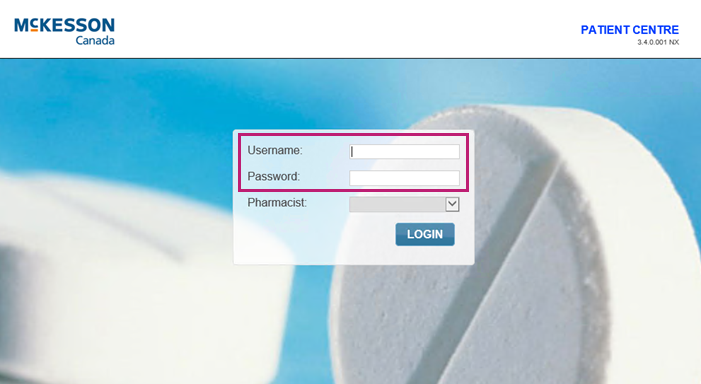
- Press Login. The Patient Centre Menu appears.
- Press Medication Review.
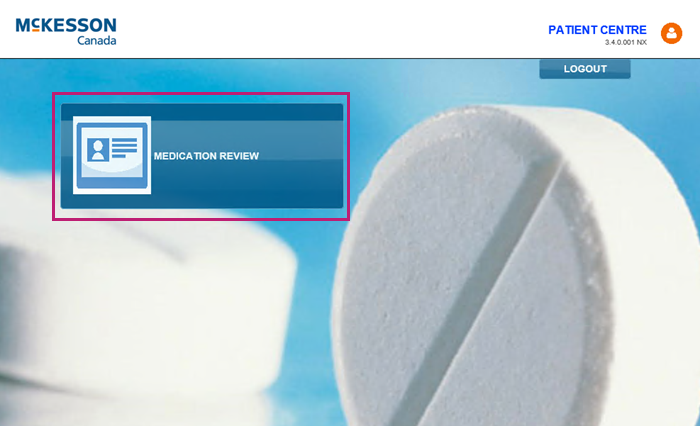
The Patient Centre Medication Review Workbench appears. For more information, see Patient Centre Workbench. - In the Search field, enter the patient's name to filter the appointments.
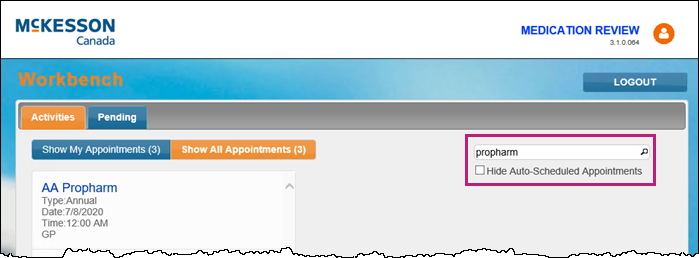
- Press the Auto-Scheduled Appointments checkbox to filter for manually scheduled medication reviews, if required.
- Press the medication review appointment that needs to be conducted.
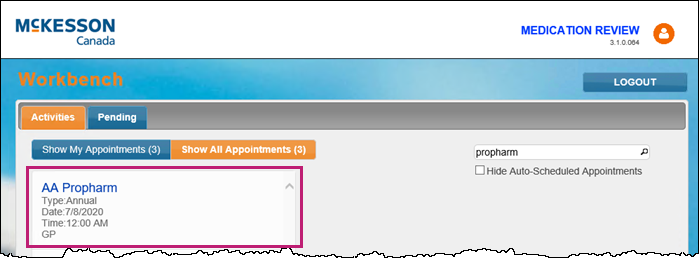
The medication review launches.
Related Topics
Launching a Medication Review from a Workstation